If you run live chat on Intercom, Zendesk, LiveChat or Tidio and you are thinking about ATON Desk, this is the honest version of what a move looks like.
First, the plain fact. ATON Desk is coming soon. It is not open to customers yet. You cannot move today. What you can do today is get your data in order so that the move is short when the time comes, and join the waitlist so we can tell you when it opens.
Start with what you own
Every chat tool holds three kinds of material that belong to you.
- Your conversation history. Past chats with customers.
- Your contacts. The names and email addresses of the people who wrote to you.
- Your saved answers. The canned replies, macros, snippets and help articles your team wrote over the years.
The third one matters most. Conversation history is useful for records, but your saved answers are the thing you will actually reuse. They are the distilled knowledge of your support team. Do not leave them behind.
How to get your data out
Each of the four products publishes its own export instructions in its help documentation. We will not guess at the details here, because they change, and because you should follow the current version from the vendor, not a summary from us. Search the vendor's help centre for "export" and follow it.
A few general points hold across all of them.
- Export while your account is still active. Some vendors restrict access after you cancel or downgrade. Do it first, cancel second.
- Ask for a file format you can open without the vendor. CSV, JSON or plain text are all fine. A format that only opens inside the old product is not an export.
- Export saved answers separately from conversations if the product lets you. They are the part you will feed into your new tool, so it helps when they arrive as a clean list rather than buried in chat logs.
- Open the files and check them. Confirm the text is complete and not truncated. Confirm your attachments and images, if any, came with it or are at least linked.
- Keep a copy somewhere safe that your team controls, not only on one laptop.
Keeping your saved answers in ATON Desk
Here is the part that is specific to us, stated only as far as we can support it today.
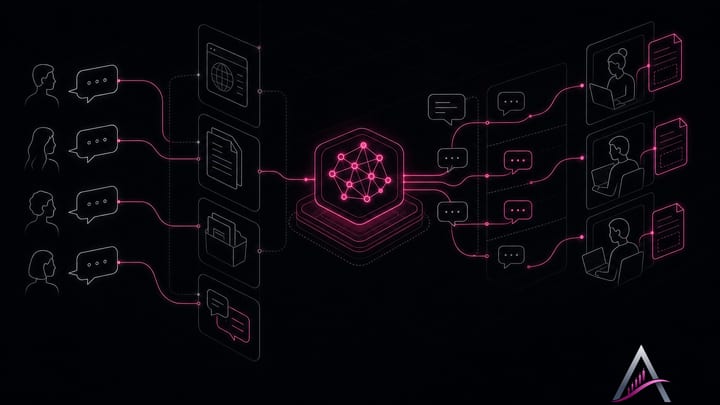
In ATON Desk, an AI agent replies first. It is trained on three things: your website, your files, and your answers. That last part is where your old saved answers go.
So the practical move is simple. Take the export of your canned replies, macros or help articles. Turn it into a file, or a set of files, that reads clearly. Give that to the agent as part of its training material. The agent then has your team's existing knowledge from the first conversation, not from scratch.
We are not promising a one-click importer for any specific product. We have not announced one, so we will not describe one. What we can say is that files are a first-class input for the agent, and a clean export of your saved answers is a file.
What changes after the move
The workflow is different from a plain chat widget, so it is worth knowing before you plan.
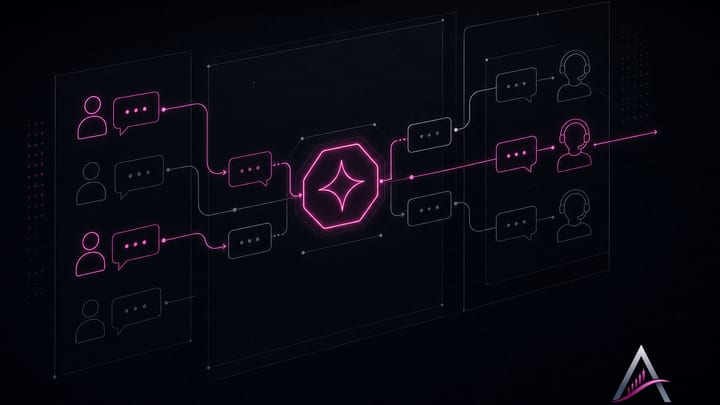
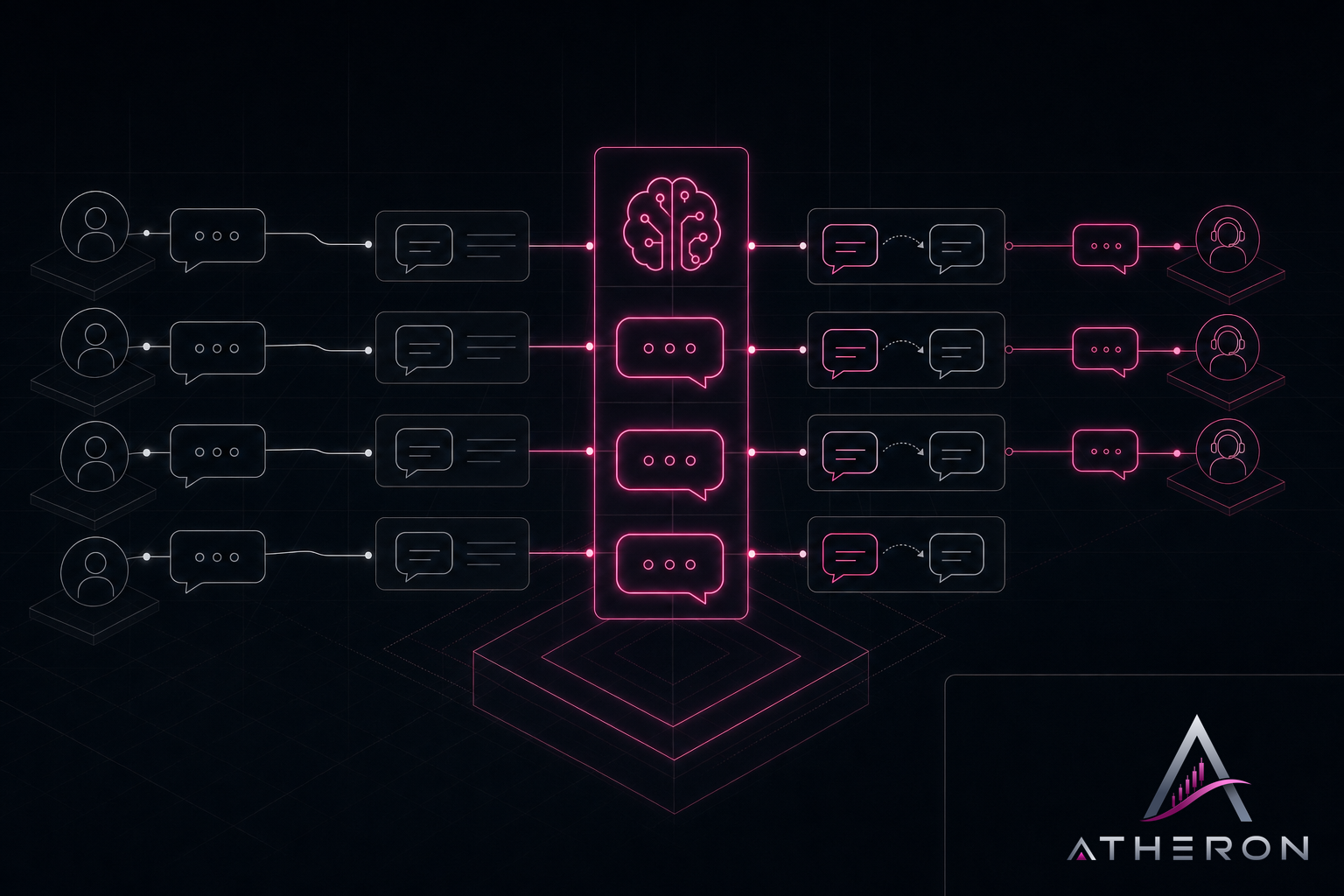
- The AI agent answers first. It says it is an AI. After its first answer it offers a person.
- An operator takes over in one click and gets a short summary of the conversation so far, so nobody asks the customer to repeat themselves.
- Questions the agent could not answer become draft articles. A person on your team approves them before they are used.
That last point is how your knowledge base keeps growing without someone being assigned to write it. Over time the drafts fill the gaps your old saved answers never covered.
What we will not say
We will not tell you ATON Desk is cheaper than your current tool, because we have not published prices yet. What we have said is that pricing will be in Canadian dollars per seat per month, every plan will include AI conversations, there will be a free plan, and there will be a trial with no card required.
We will not quote customers who switched, because there are none yet. Atheron's own support runs on ATON Desk, and that is the only deployment we can speak to.
We will not compare features with the four products beyond what they publish themselves. If you want a feature-by-feature check, read their current documentation and ours side by side when ours is public.
What to do now
- Find your vendor's export instructions and run them while your account is active.
- Separate your saved answers into their own clean file.
- Store a copy your team controls.
- Join the waitlist on aton-desk.com so we can tell you when ATON Desk opens.
The move itself will wait until we are ready. The preparation does not have to.